Your OrderMate POS. More ways to order.
Connect HungryHungry with OrderMate to bring branded online and table ordering into the POS your team already uses. Send orders to preparation, work from your existing menu and give staff less to re-key during service.
Keep the order moving, from customer to kitchen.
Less re-keying during the rush
HungryHungry orders reach OrderMate through the integration, reducing the need for staff to copy each sale into the till.
One starting point for menu items
Import the relevant OrderMate menu and its chosen price level into HungryHungry, then add the photos and descriptions that help your food sell.
Clear details for the team preparing orders
Keep item choices, order details and payment status in the connected workflow, with printer routing configured for your kitchen and bar.
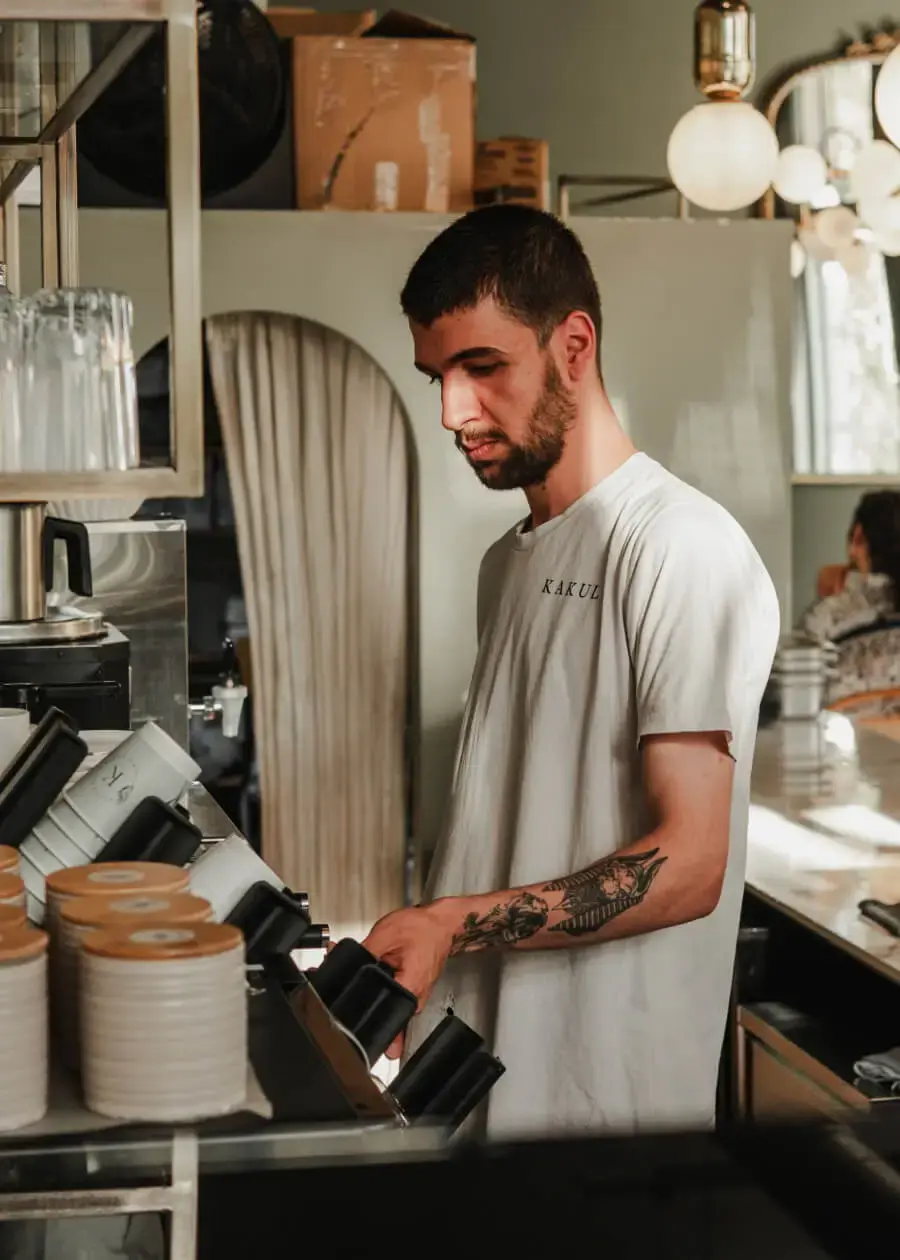
How HungryHungry connects with OrderMate.
Orders into OrderMate and service printers
Supported HungryHungry orders are sent to OrderMate, which communicates with your configured kitchen, bar or preparation printers. Online orders become part of the operation your team knows.
POS menu, branded customer experience
Import the relevant OrderMate items and options into HungryHungry. Add photos and descriptions, then publish the customer menu. Re-import and publish after POS menu changes as required.
Order and payment details together
The connection passes order information and payment status to OrderMate. Work through the relevant order types and payment mapping during onboarding so staff know what has been paid and what needs attention.

Plus many more integrations