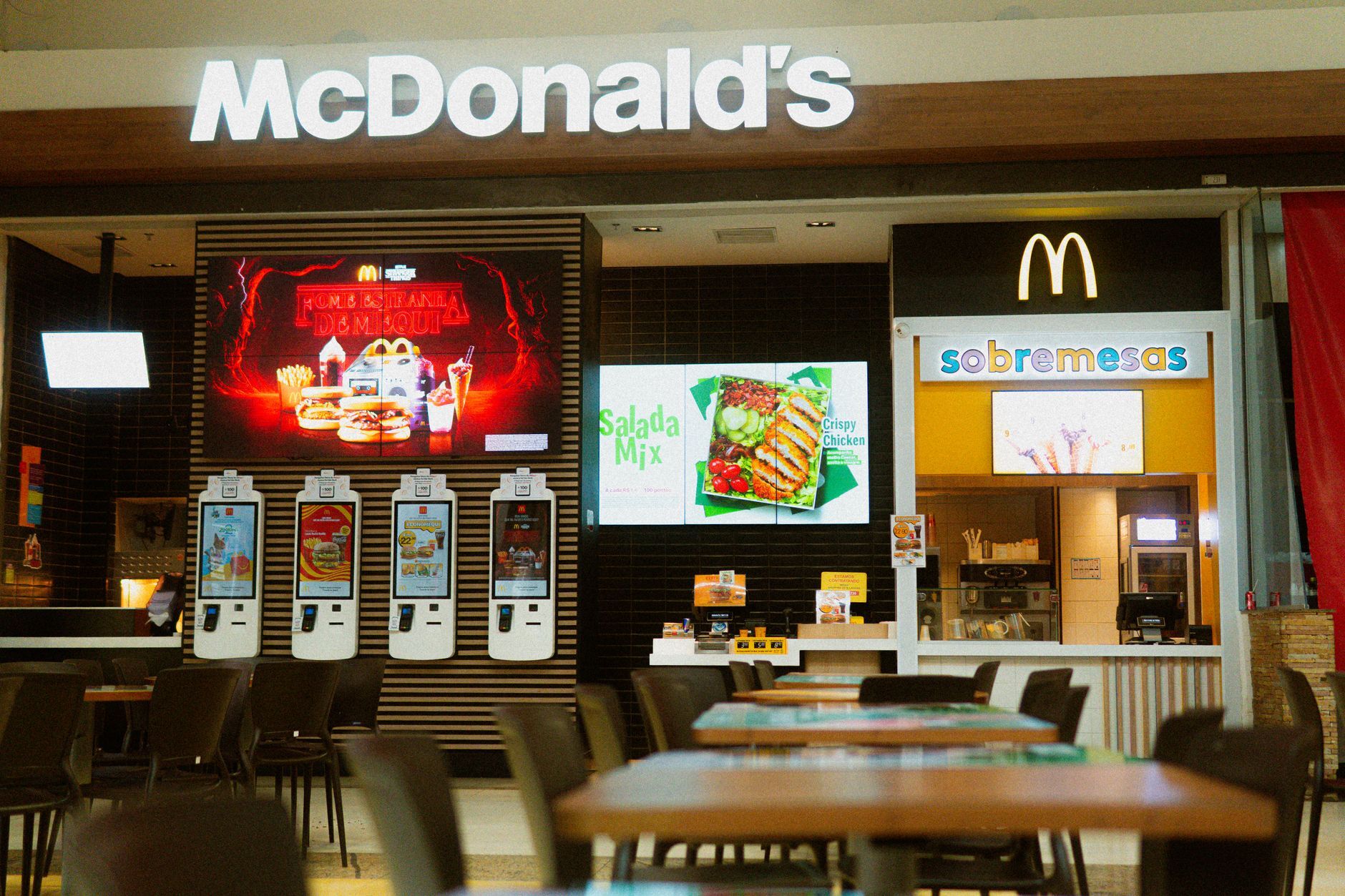
A self-order kiosk looks simple from the customer side: tap, pay, done. The harder question is what happens behind the screen, and whether the kiosk actually fits how your kitchen and POS already work.
Here is what to actually check before choosing one for a quick-service restaurant.
Does the Kiosk Need to Integrate With My Existing POS?
Yes, and this should be the first thing you confirm, not an afterthought. A kiosk that does not connect directly to your POS means orders have to be re-entered manually, which defeats the purpose of adding a kiosk in the first place. Confirm it integrates with your specific POS product, not just POS systems in general.
How Fast Can a Customer Actually Get Through the Kiosk Flow?
Speed matters more at a kiosk than almost anywhere else in the ordering experience, because a slow, confusing flow sends customers straight back to the counter queue it was meant to relieve. Look for a short number of steps from menu to payment, clear modifier and combo selection, and a checkout that does not bury payment behind unnecessary screens.
Can the Menu and Pricing Stay in Sync With the Rest of My Venue?
Check that menu items, pricing, and availability update from one place rather than needing to be maintained separately on the kiosk. If an item sells out or a price changes, that should reflect on the kiosk automatically, the same way it does on your other ordering channels, rather than needing a second manual update.
What Happens When the Kiosk Has a Technical Issue Mid-Service?
Ask what the fallback is if a kiosk freezes, loses connection, or goes down during a rush. A single kiosk failing should not mean a customer cannot order at all, staff should be able to take that order at the counter without missing a beat, and the venue should have a clear way to get the kiosk back online quickly.
Does It Fit a Quick-Service Environment Specifically?
Quick-service has different needs to a sit-down venue: high throughput, frequent combo and upsell prompts, and customers who want to order and move on. Check that the kiosk is designed for that pace, rather than being a general ordering tool adapted for a counter setting.
Frequently Asked Questions
What should I check first when choosing a self-order kiosk?
Confirm it integrates directly with your existing POS. Without that, orders need manual re-entry, which removes the main benefit of adding a kiosk.
How important is checkout speed for a self-order kiosk?
Very. A slow or confusing kiosk flow sends customers back to the counter queue it was meant to relieve, so a short, clear path from menu to payment matters.
Does the kiosk menu need to be updated separately from my other ordering channels?
It shouldn't. Menu items, pricing, and availability should sync from one place, so a sold-out item or price change reflects automatically on the kiosk.
What happens if a kiosk breaks down during service?
Staff should be able to take that customer's order at the counter without disruption, and the venue should have a clear, fast way to get the kiosk back online.
Key Takeaways
- Confirm direct POS integration before anything else, manual re-entry defeats the purpose of a kiosk
- A fast, simple checkout flow matters more at a kiosk than almost anywhere else in the ordering experience
- Menu and pricing should sync automatically across all ordering channels, not just the kiosk
- Have a clear fallback for when a kiosk goes down mid-service
- Check that the kiosk is actually built for quick-service pace, not adapted from a different setting
- See in-venue ordering
Photo by Daniel's Richard on Pexels