QR ordering that keeps service flowing
Let guests order and pay from the table, even when the floor is flat out. HungryHungry helps your team spend less time taking orders and chasing payments, and more time looking after the people who came for your hospitality.
Trusted by








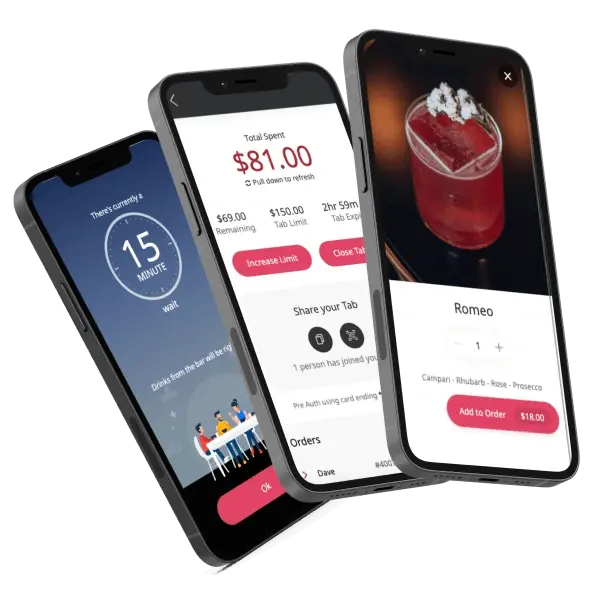
Designed For Faster In-Venue Ordering
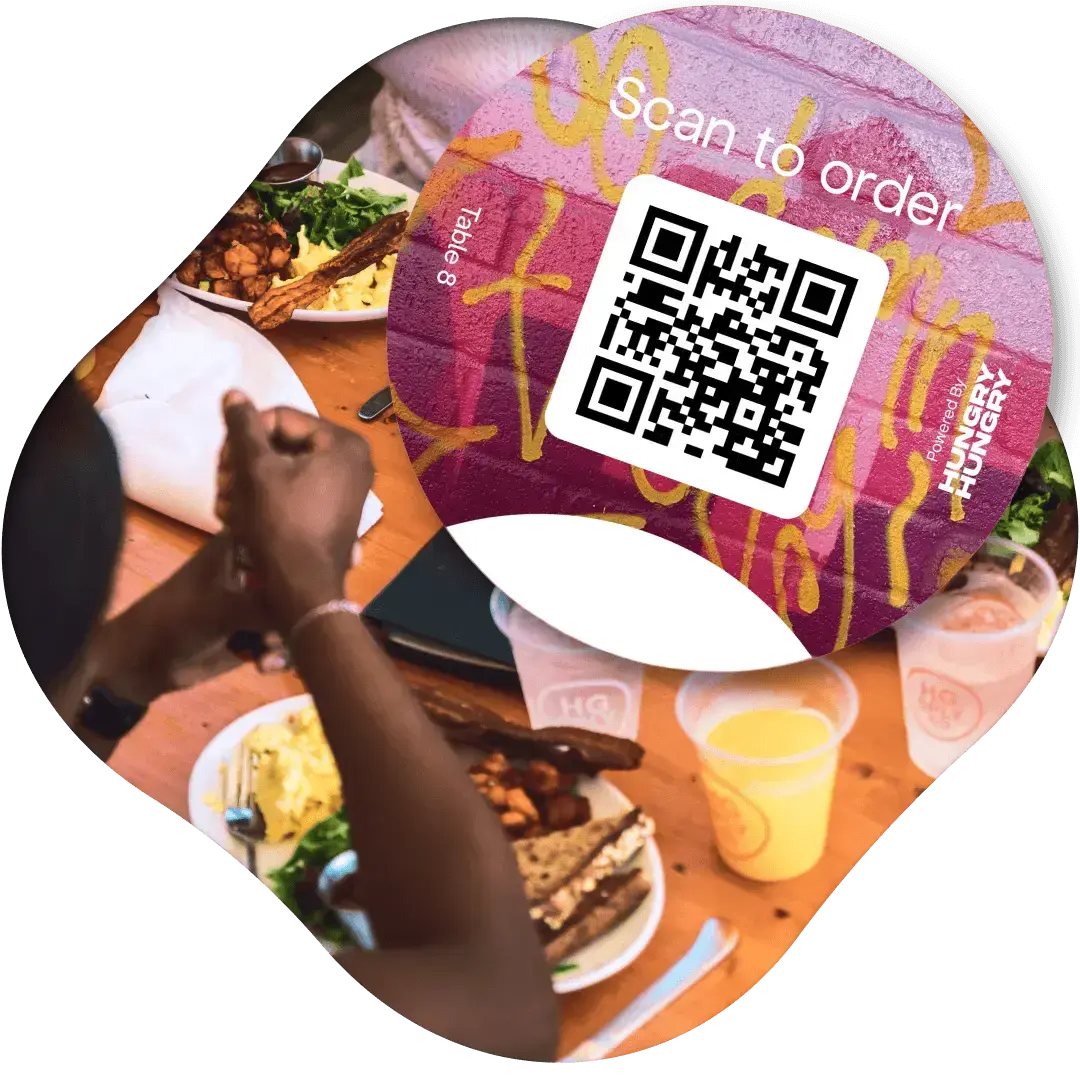
QR ordering gives guests a simple way to place orders from the table, room, seat, or service area without waiting for staff to take every order manually.
It helps venues reduce ordering friction, capture more in-service demand, and give staff more time to focus on hospitality.

“About 40% of our total order values go through HungryHungry with their at-table ordering.”
More time for hospitality. Less running around.
Let ready-to-order guests get on with it
Guests can order from their table without waiting to catch someone's eye. Keep orders moving while your team looks after the floor.
Give your team room to breathe
Take some of the order-taking and payment tasks off their plate, leaving more time for food running, questions and the little touches guests remember.
Make room for another round
A second coffee, a side to share or dessert after all. Make it easy for guests to order a little more while they're enjoying your venue.
Skip the queue to settle up
Guests pay on their phone as they order, so there's less payment handling for your team and one less reason to queue at the counter.
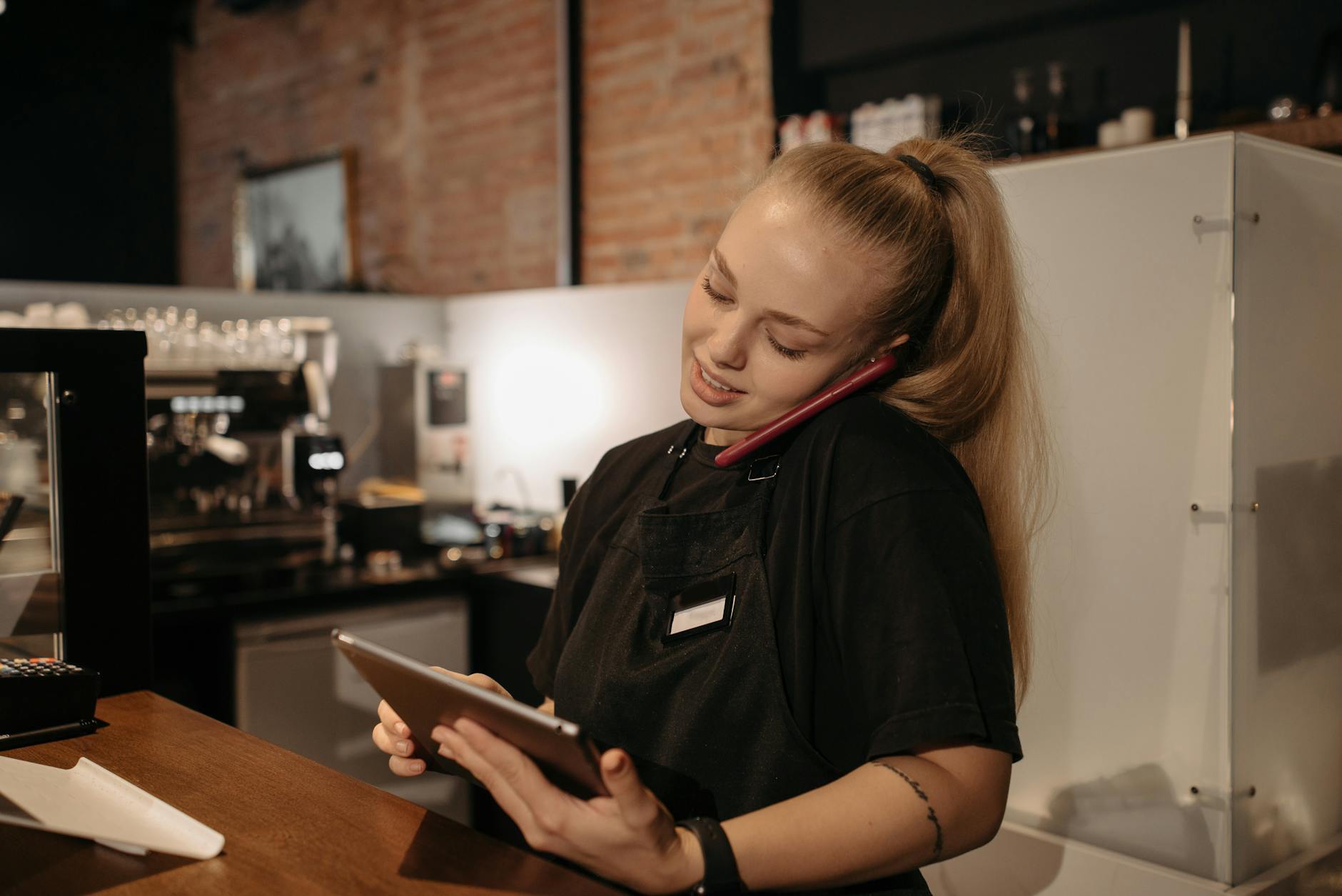
The tools behind a smoother service
Your venue, right there on their phone
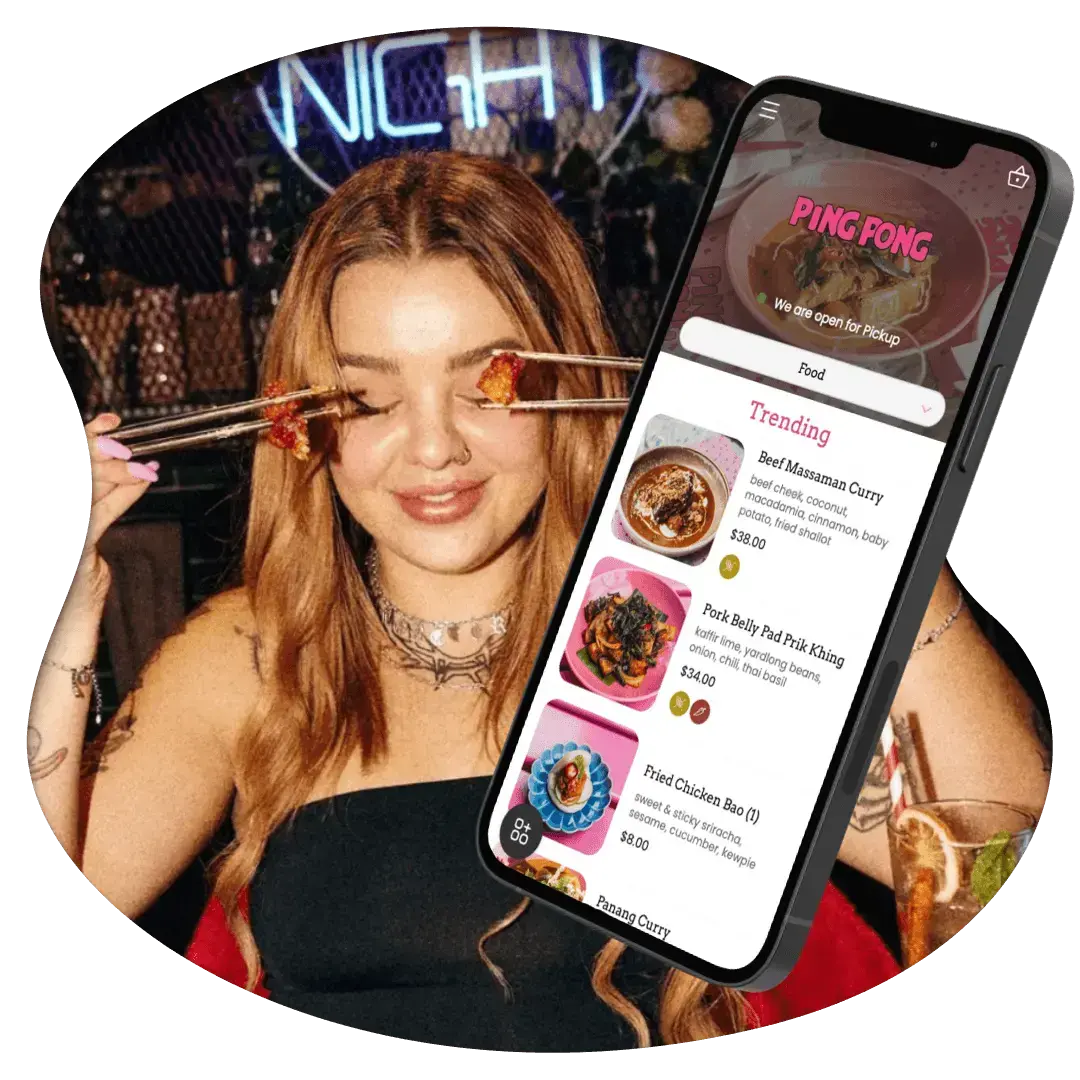
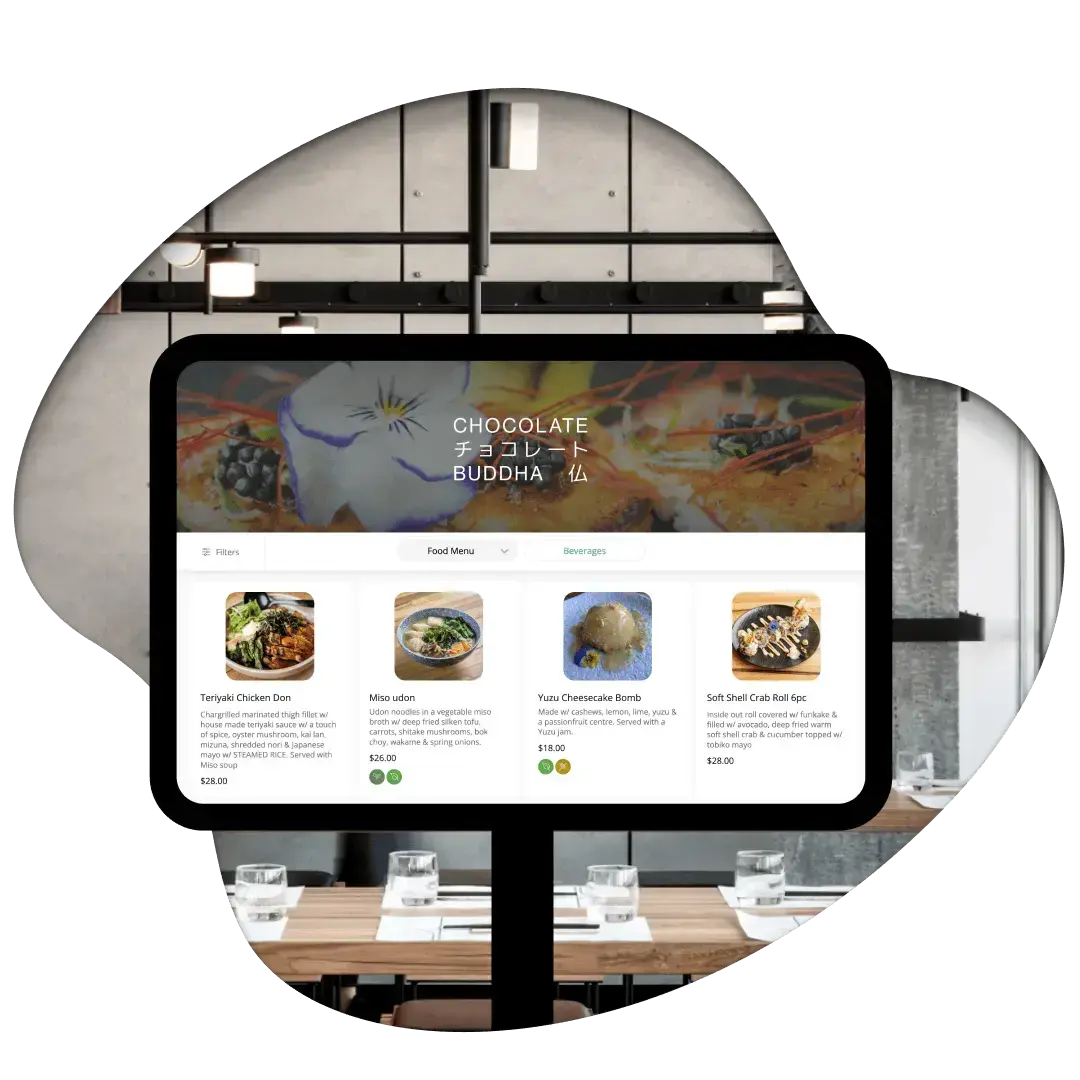
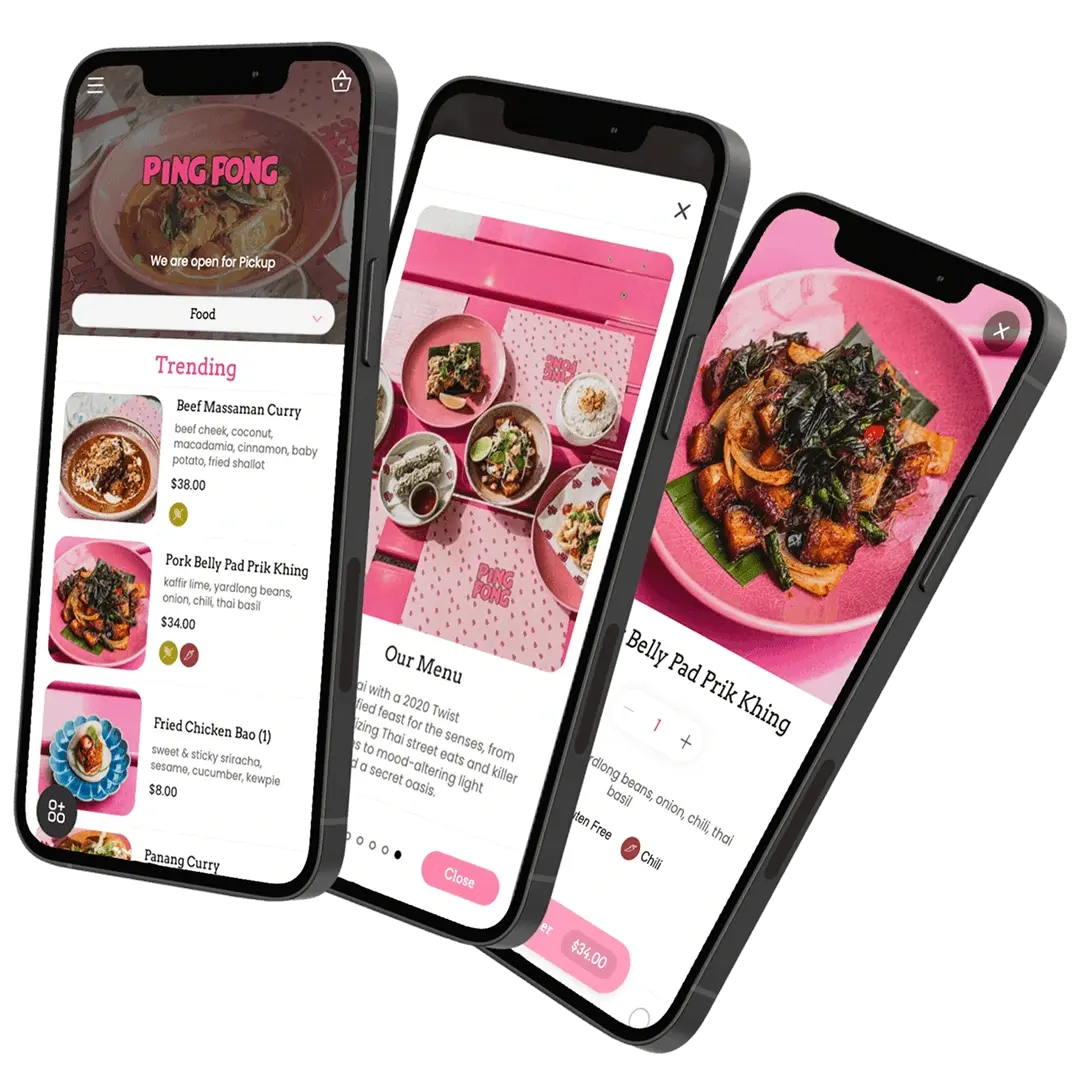
Give guests a branded menu that feels like part of your venue. From the first drinks to the last dessert, your food and your hospitality stay the star of the show.
Digital menus with appetite appeal
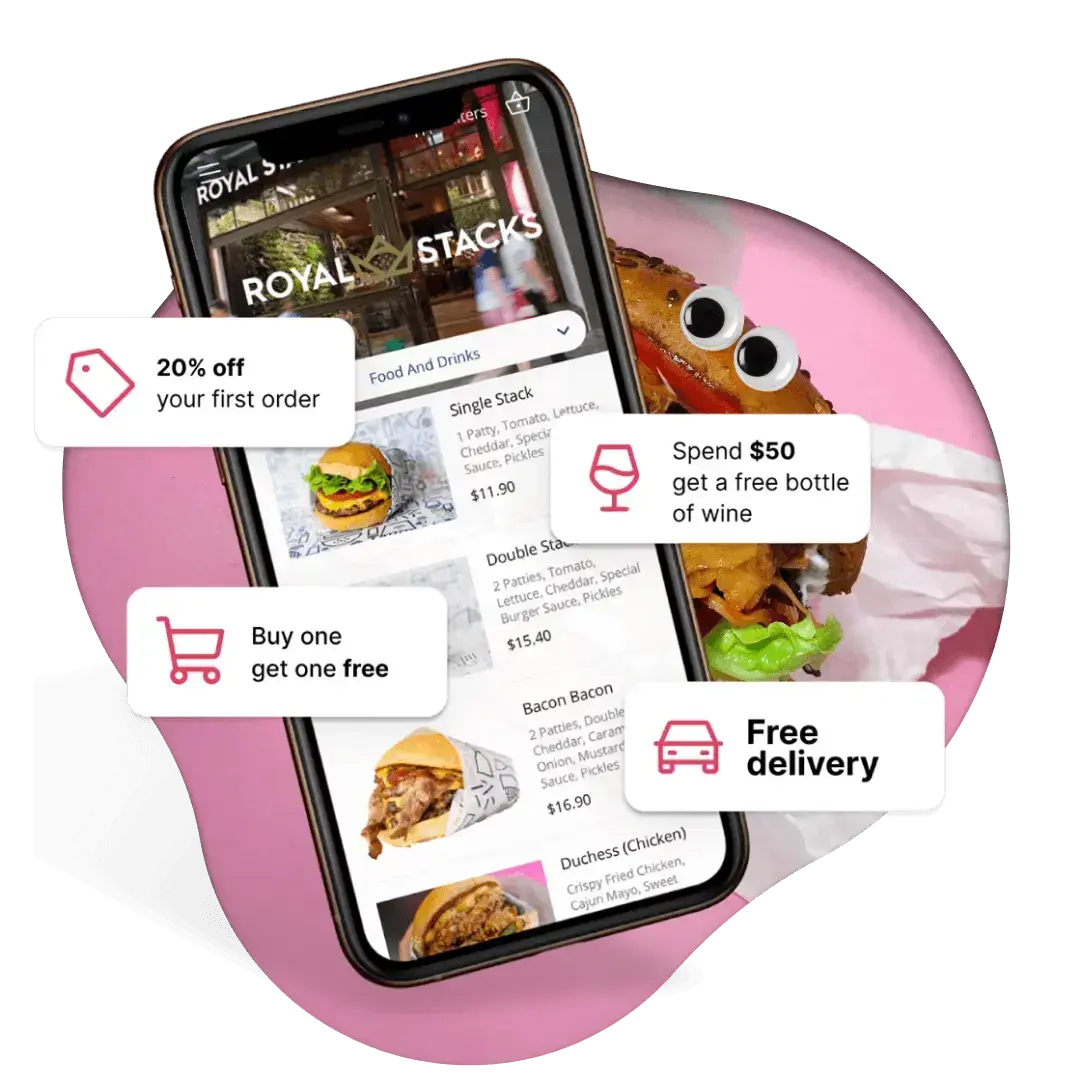
Show dishes with photos, descriptions and clear options. Give the special its moment, make extras easy to find and hide items when they're no longer available.
Extras worth making room for
Extra fries for the table? A side with that main? Make add-ons and upgrades easy to choose while guests build their order, giving your menu more chances to earn its keep.
Order batching for the kitchen and bar
Guests ordering separately at the same table? Enable order batching to hold their orders for a set window and send them together. Adjust the timing to suit your service and help the team coordinate preparation.
Payments from the table
Guests pay as they order on their own phone, with supported payment options including Apple Pay, Google Pay and cards. Less back-and-forth with a payment terminal gives your team more time on the floor.
Reporting that helps plan the next shift
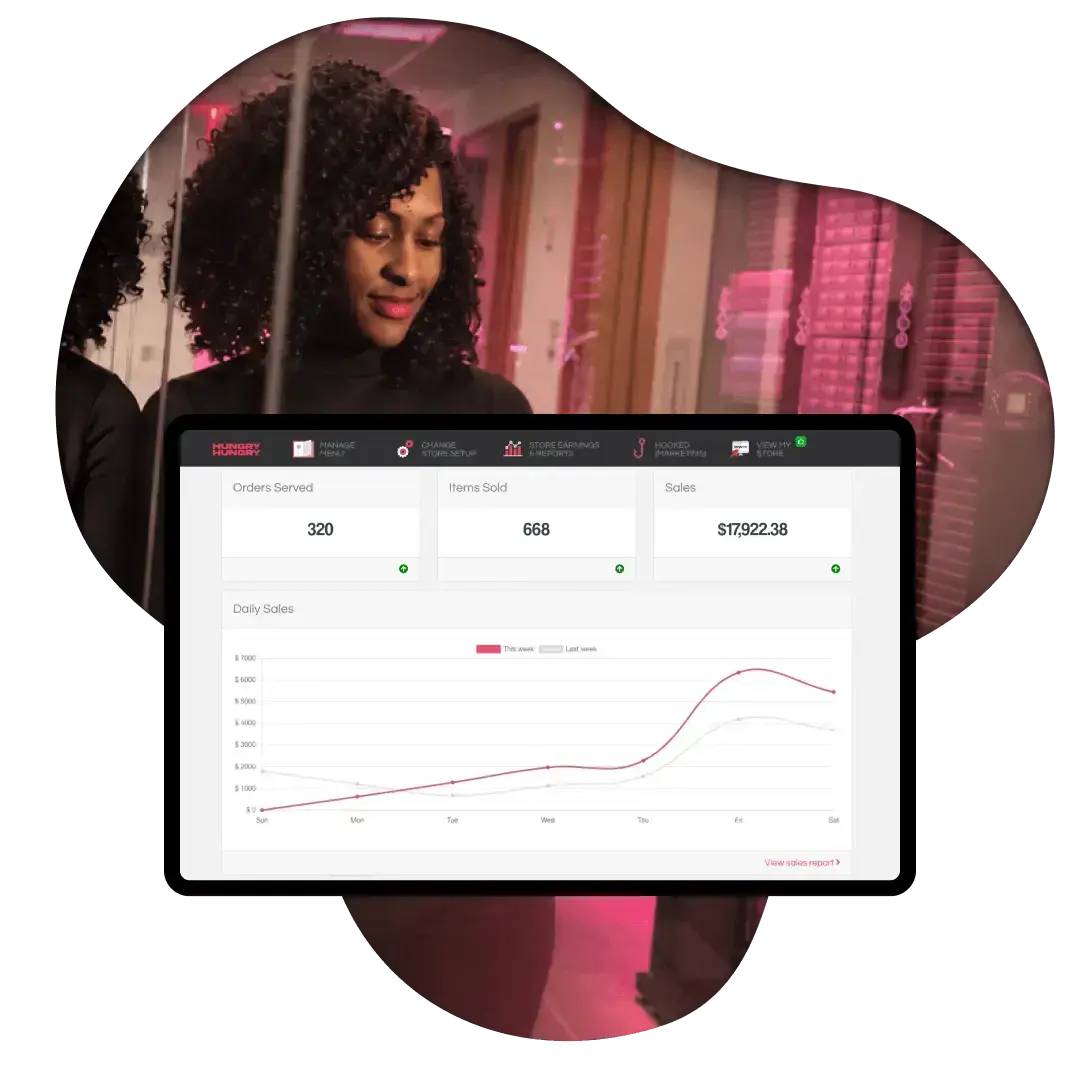
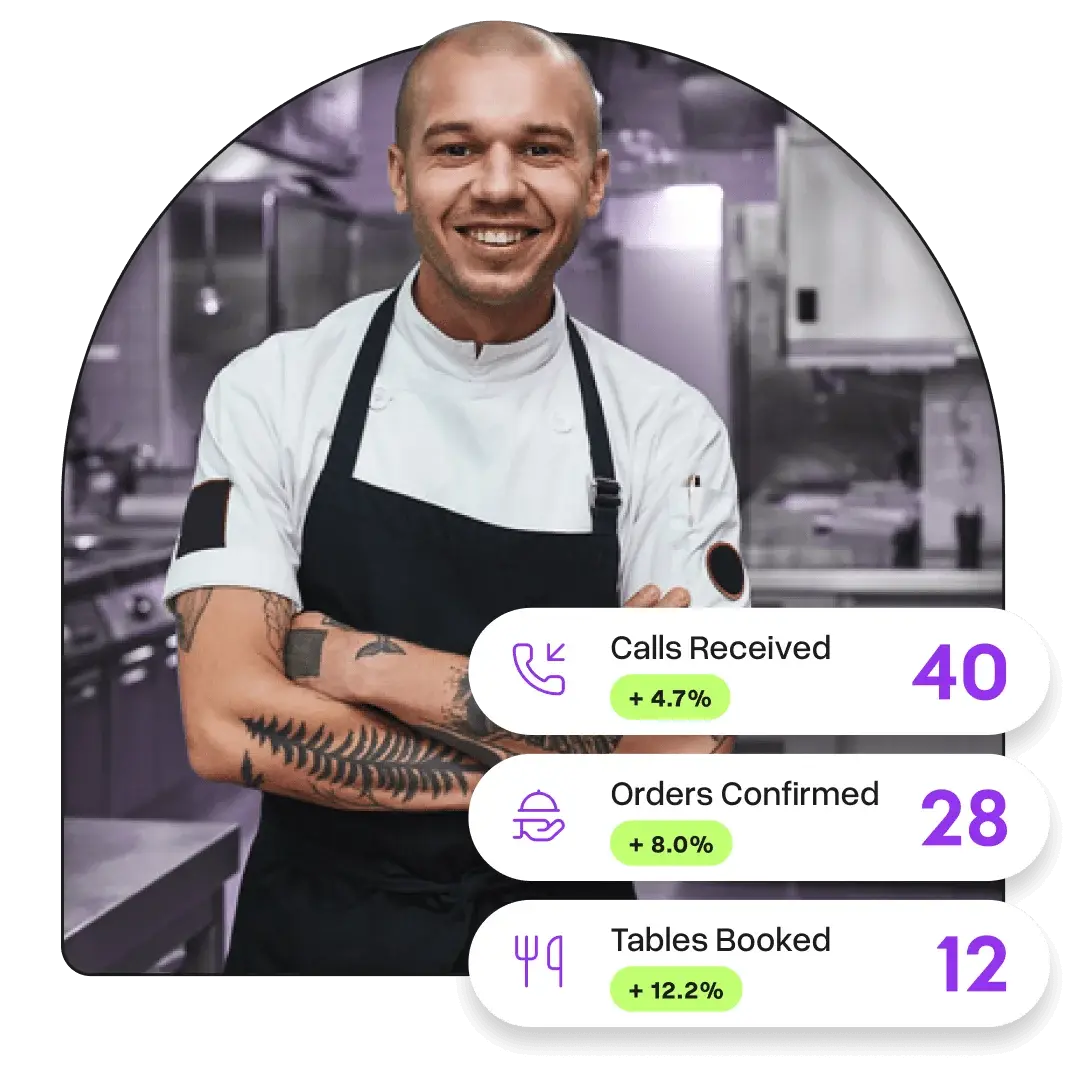
See what's selling and when orders come through. Use item and service-period performance to guide your specials, menu choices and plans for the next busy shift.
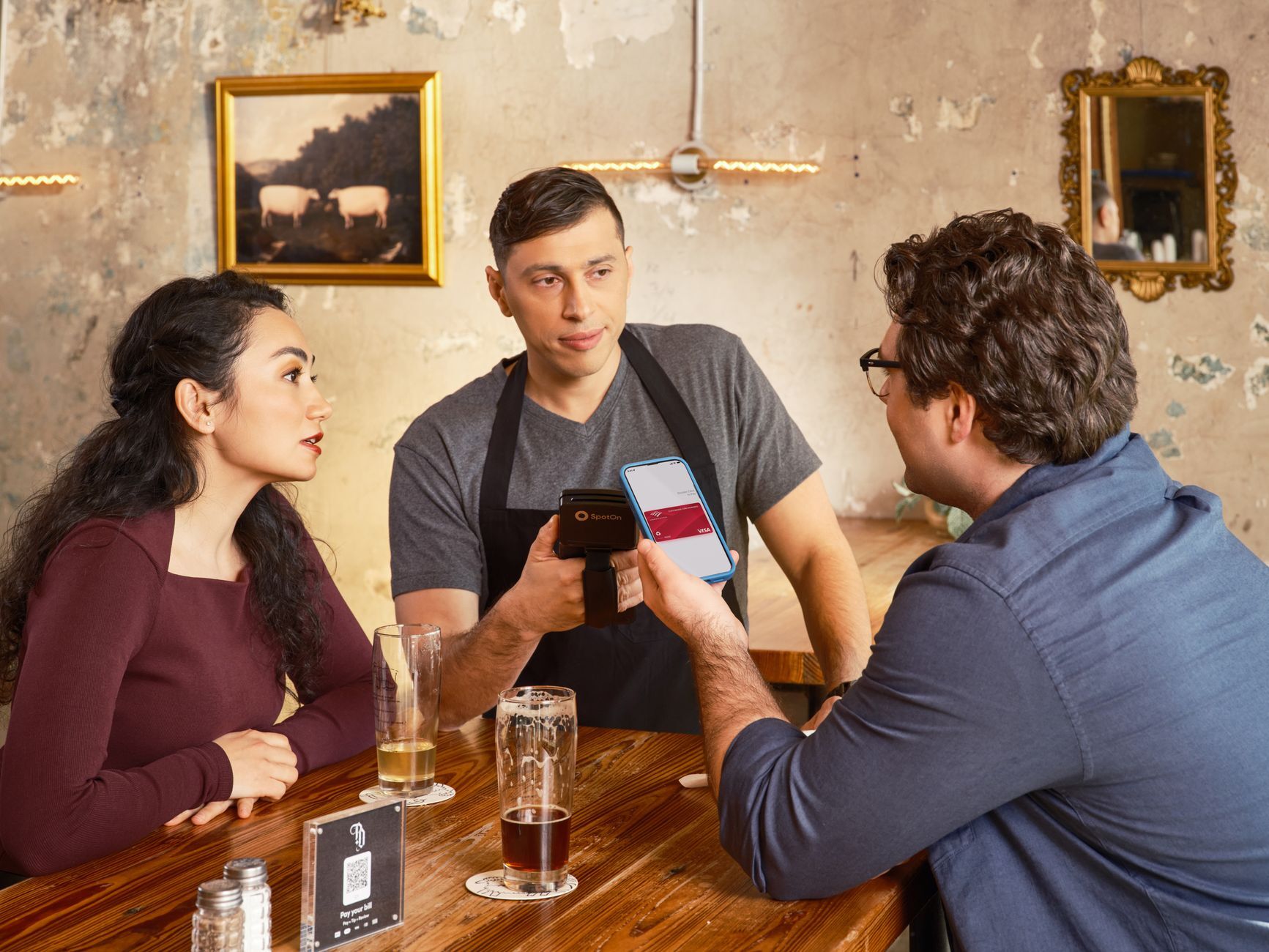
HungryHungry works with what you already have