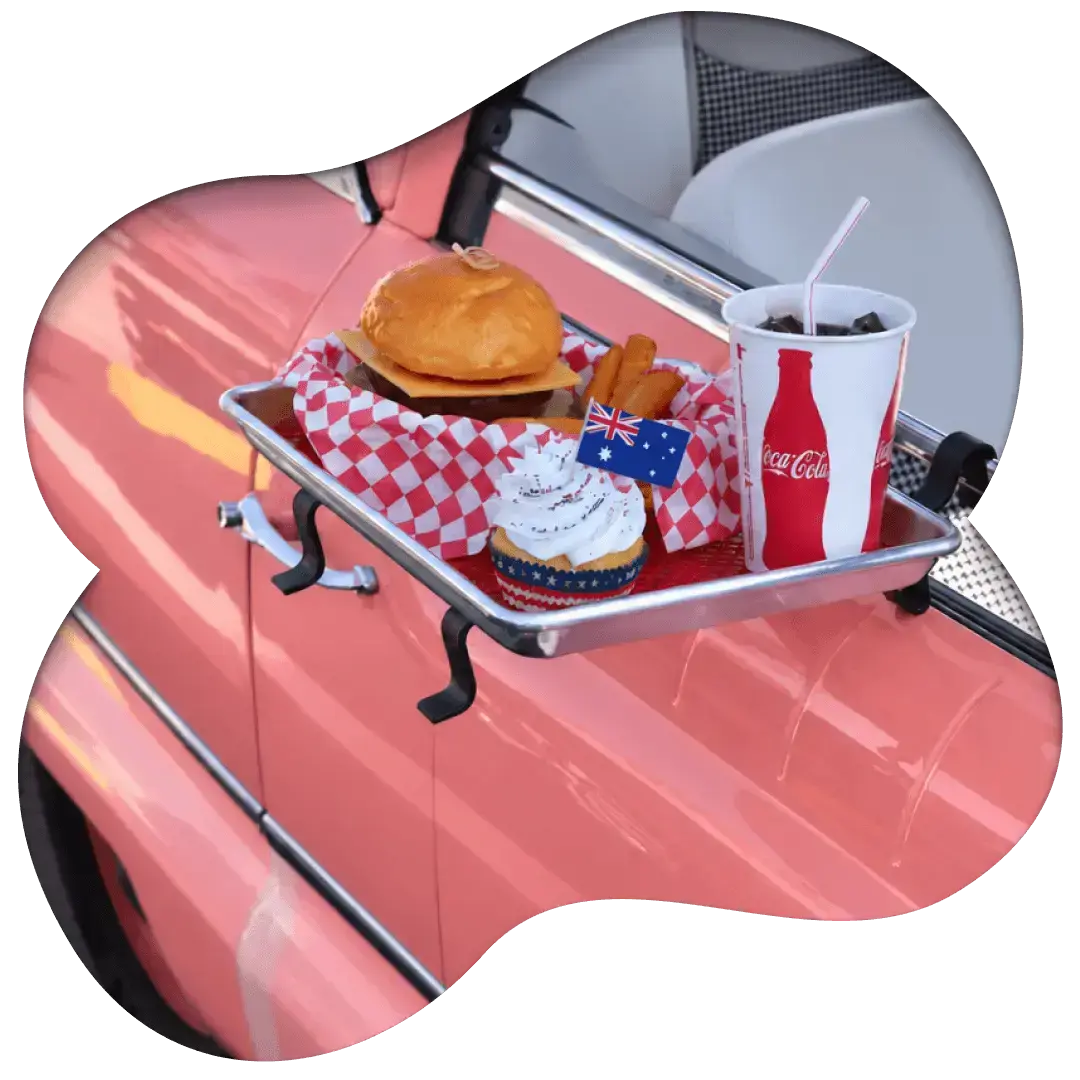
Less taking orders. More looking after guests.
Let guests order another round, place their own meal order and pay without pulling your team away. HungryHungry takes care of more of the ordering, so your people can get on with great hospitality.
Trusted by








Keep service moving. Keep the personal touch.
A second round waiting to be ordered. A queue at the counter. The phone ringing while meals need running. These moments compete for the same people, especially when you're already running a tight team.
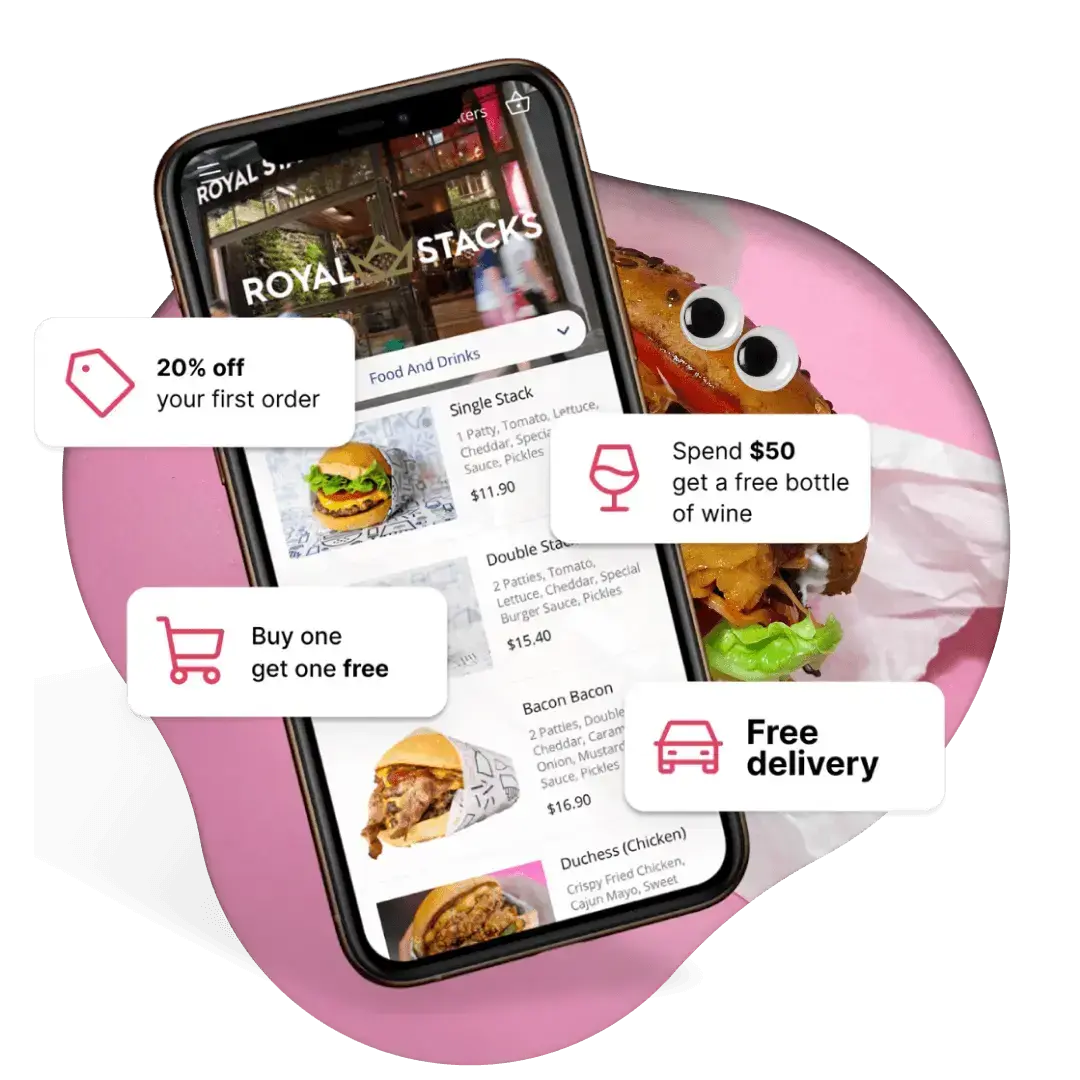
Give customers more ways to order with QR ordering, kiosks and Otto phone ordering. Connect the right mix to your venue's workflow, so staff spend less time collecting orders and more time serving food, helping guests and making the visit worth repeating.
Take some pressure off the shift.
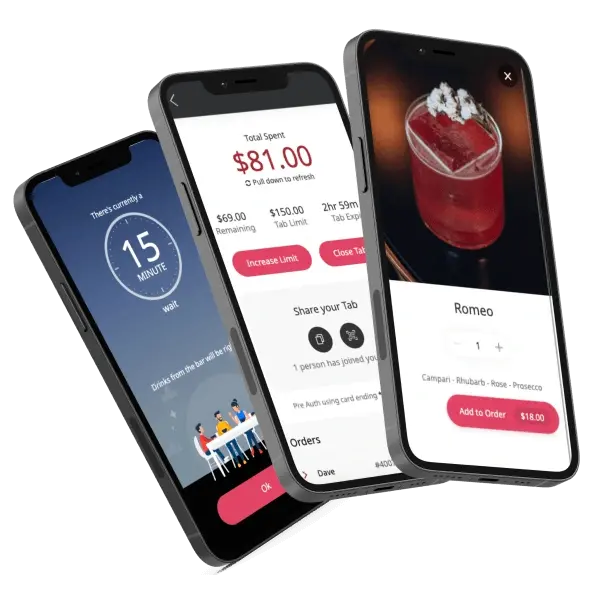
Another round, without the wait for a wave
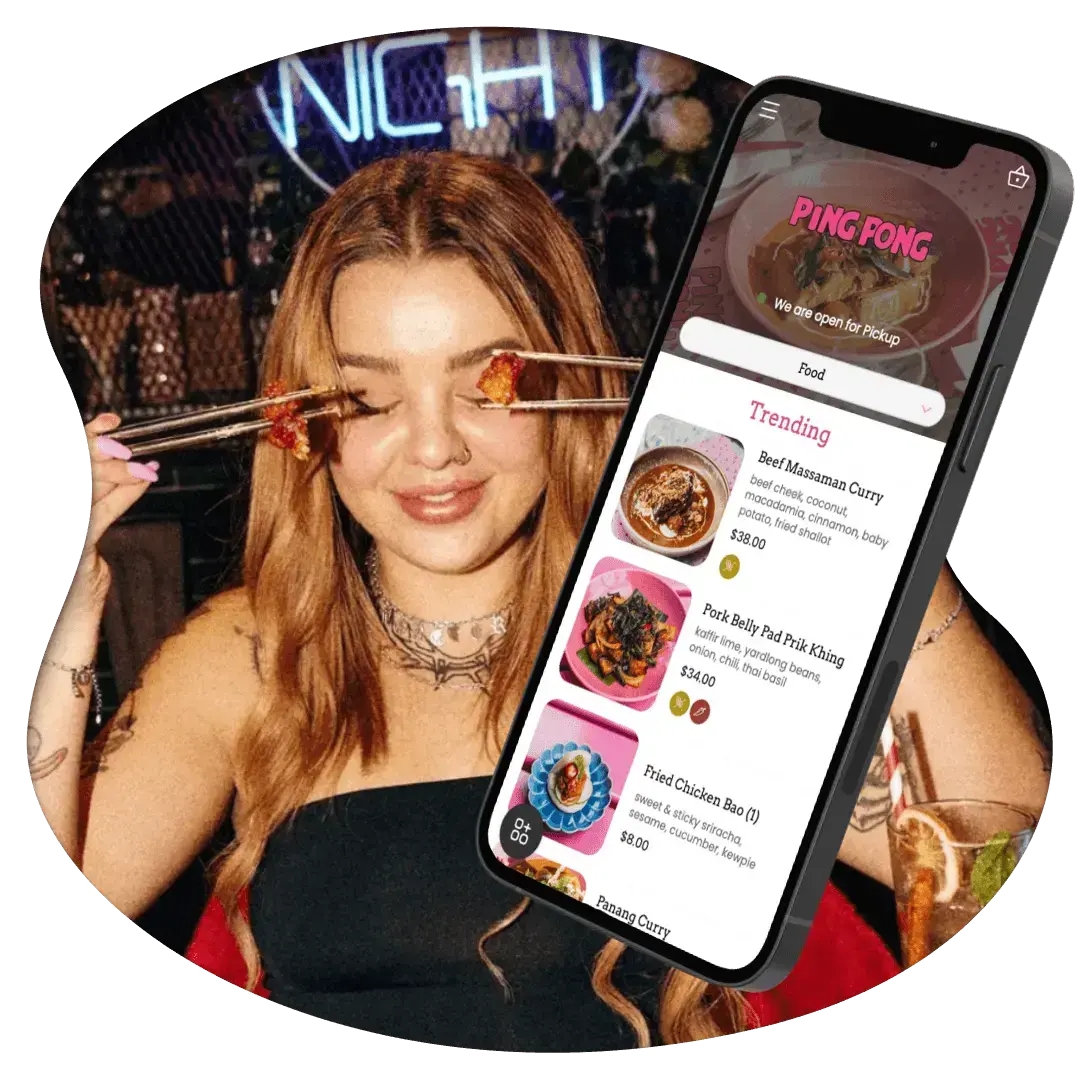
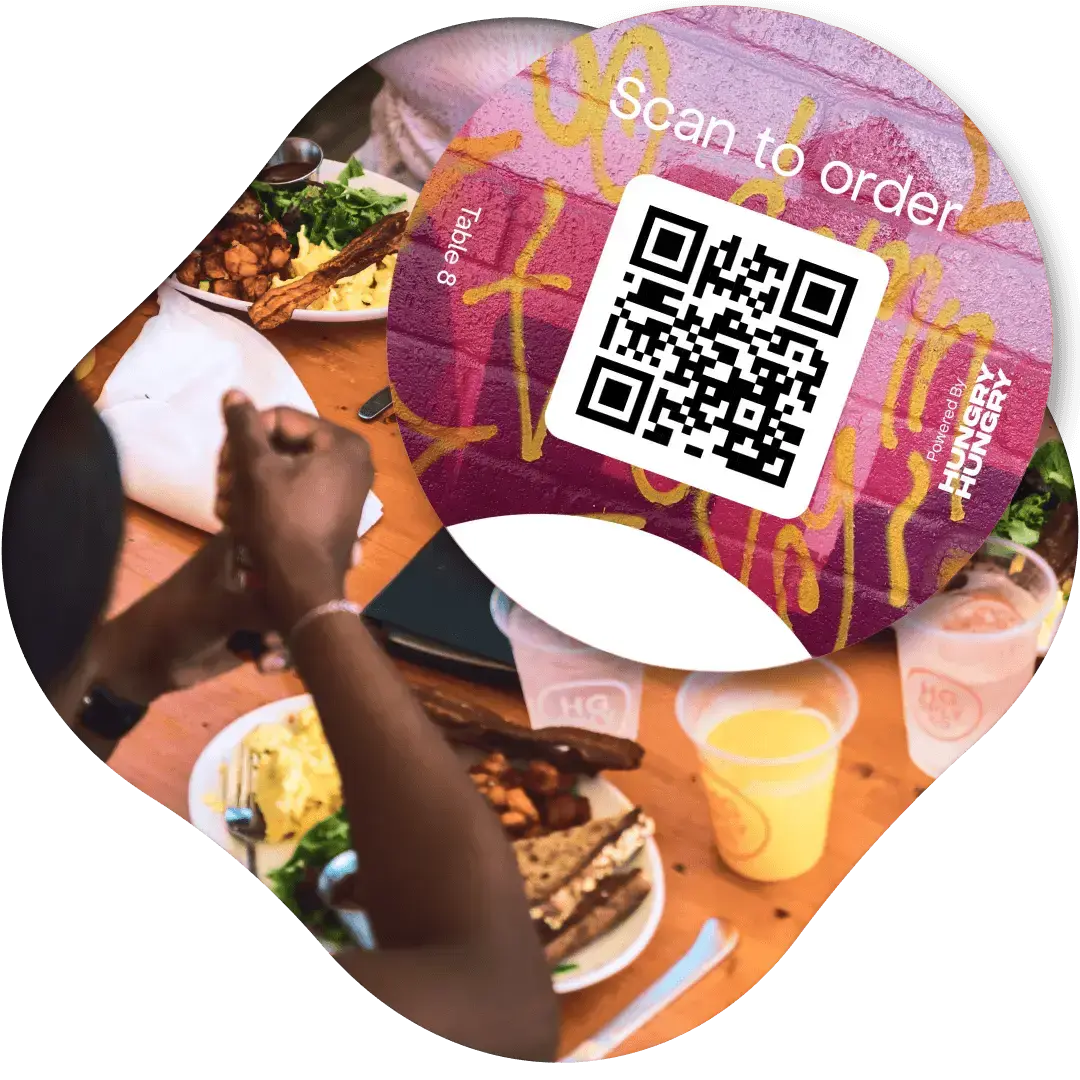
Let guests order from their table when they're ready. Make it easier to add a drink or dessert while staff keep looking after the room.
Give the counter queue another way to order
Offer self-service ordering on a kiosk or customers' phones, so every order doesn't have to start with a conversation at the counter.
Keep the phone covered
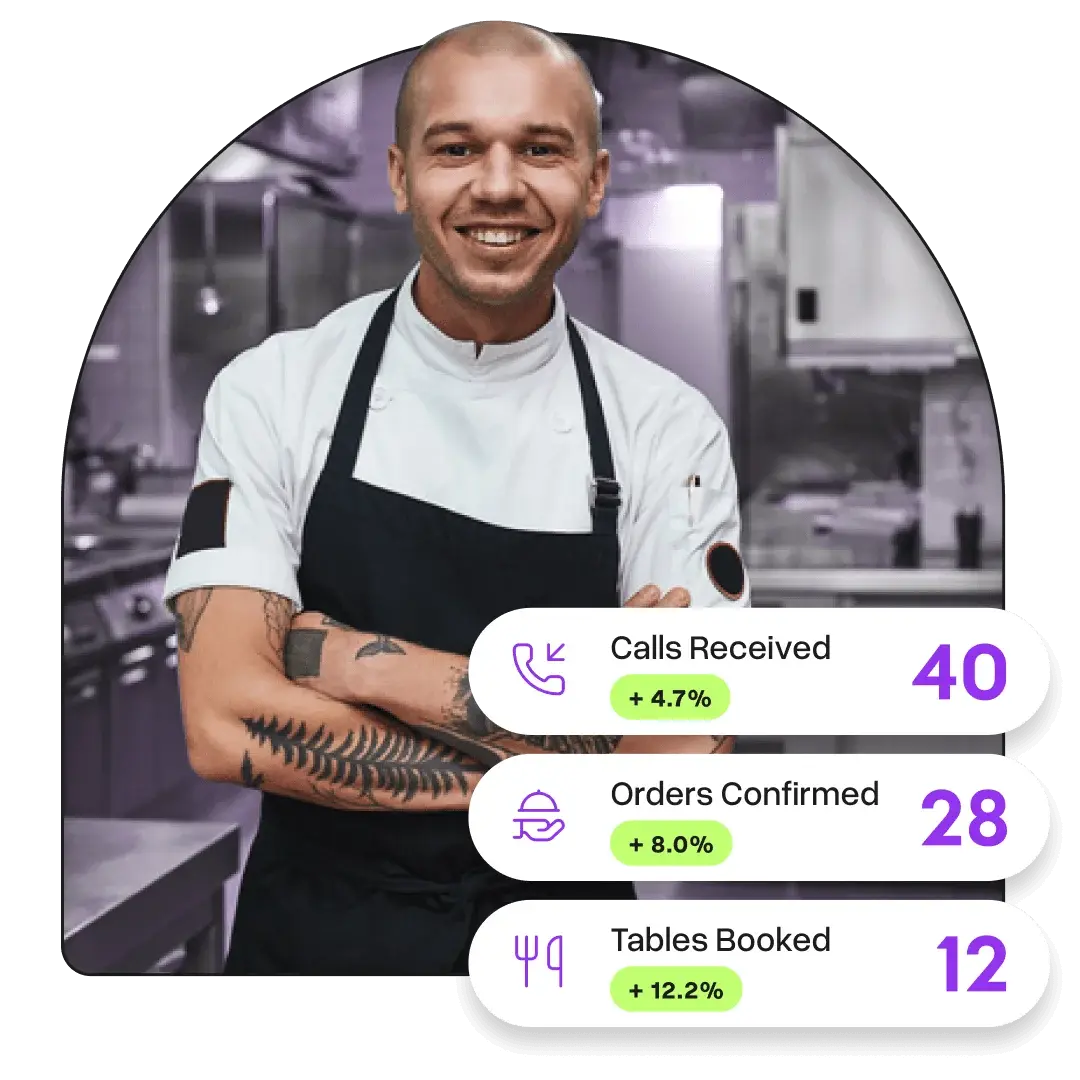
Let Otto handle phone orders and common questions, without making a team member stop what they're doing every time it rings.
Less re-keying. Fewer jobs to juggle.
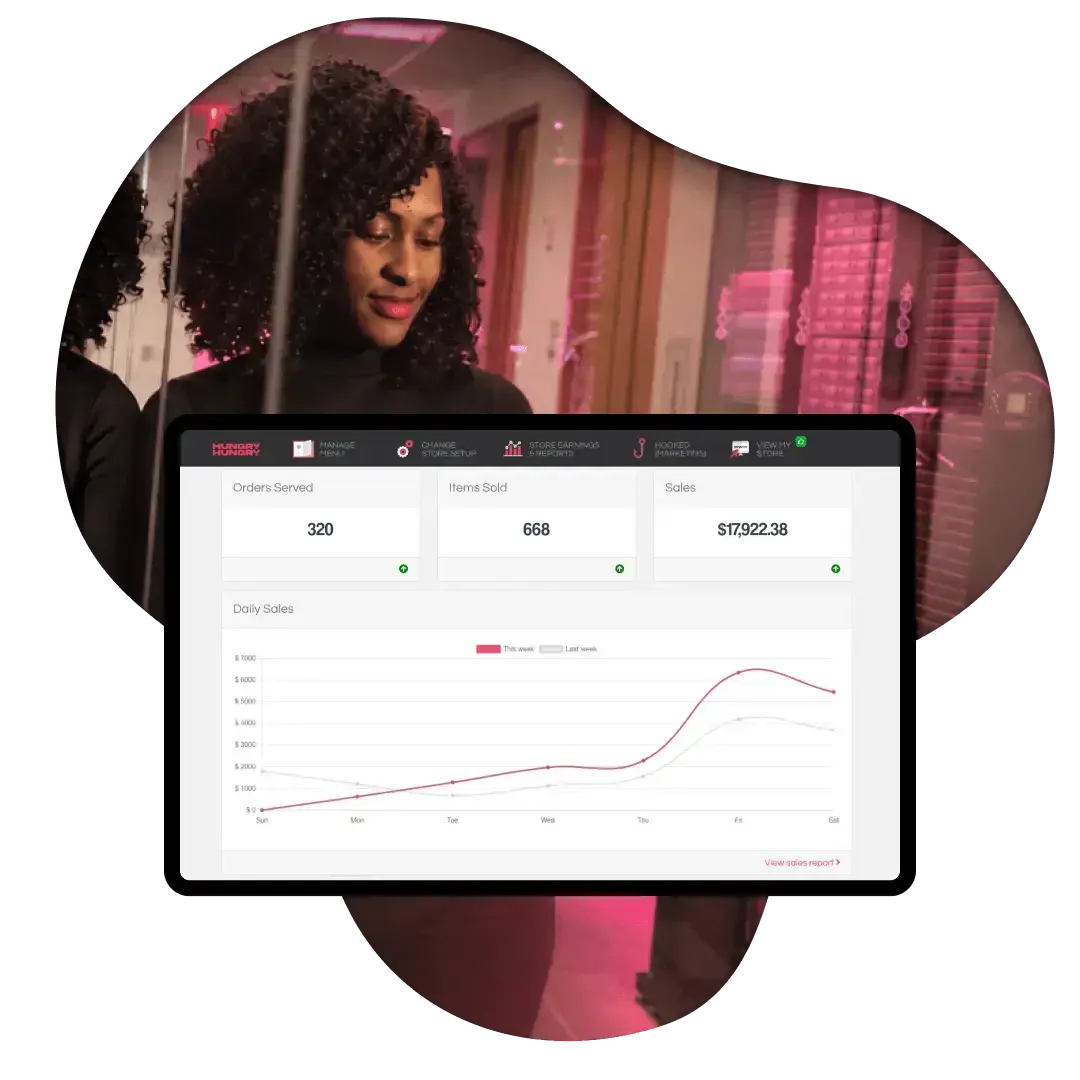
Send digital orders into a supported POS workflow, or manage them on a Ready to Serve tablet. Choose the setup that works for your team.
A helping hand, wherever service needs it.
Let guests order from their table
QR ordering gives guests a way to browse, order and pay without waiting for staff to take every request. Your team is still there to recommend a favourite or help when needed.
Give the counter some backup
HungryHungry kiosks bring the same ordering experience to a touchscreen. Choose a counter or freestanding setup that fits your space and gives customers another place to order.
Put phone duties in Otto's hands
Otto answers calls, takes orders and handles several callers at once. Keep the phone covered while your people focus on the guests and jobs in front of them.
Connect orders to the team preparing them
Use supported POS integrations to reduce manual order entry. For pickup and delivery, a Ready to Serve tablet is also an option. We'll help match the order flow to your venue.
Keep menus ready for the shift
Manage service menus, item availability and ordering hours around what you can serve. Where your POS manages menu information, update and sync through the supported integration.
Give the kitchen room to work
Set pickup and delivery lead times and order limits to manage incoming demand. For table service, configurable batching can group orders placed within a set window onto fewer dockets.
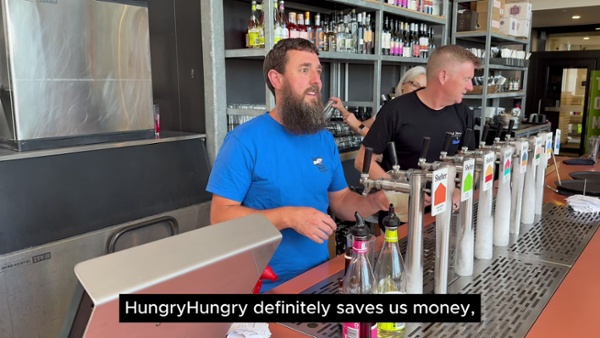
“HungryHungry's doing their job for them by taking the order, so it allows our staff to have that interaction with their customers.”