How Do I Get Customers to Actually Use QR Code Ordering at the Table?
TLDR: Getting customers to use QR code ordering comes down to removing friction and setting the expectation early. Make the code obvious and easy to scan, tell guests on arrival that ordering is done by scanning, keep the menu fast to load, and make sure staff reinforce rather than override it. Adoption rises when scanning is clearly the default way to order, not an optional extra.
Installing QR code ordering and finding that half your customers still flag down a staff member is one of the most common frustrations venues hit. The technology works, but adoption stalls because customers default to the habit they know. The fix is rarely the technology itself. It is how the option is presented and reinforced on the floor.
This article covers the practical reasons adoption stalls and how to lift it.
Why Do Customers Still Flag Down Staff Instead of Scanning?
Customers flag down staff because ordering by phone is not yet their default habit and the old way is still available. If a staff member will take the order, many guests take the path of least resistance rather than pulling out their phone.
Habit is the biggest factor. Most people have decades of experience ordering by speaking to someone and only a few years, if any, of scanning to order. When both options exist at once, the familiar one wins unless the venue nudges otherwise. Friction is the second factor: a code that is hard to find, slow to load, or awkward to use gives the customer an easy excuse to fall back on waving someone over.
How Do I Make the QR Code Impossible to Miss?
Make the code impossible to miss by placing it where every guest looks, keeping the instruction to a few words, and making sure it scans on the first try from a normal seated position.
Position matters more than most venues assume. The code should sit in the centre of the table or at each place setting, not tucked against a wall or buried in a menu. The instruction should be direct: "Scan to order and pay." Test it yourself from a seated position in the lighting you actually run at night, because a code that scans in daylight can fail under dim evening lighting. Every extra second of fumbling is a reason for the guest to give up and look for staff.
How Should Staff Support QR Ordering Rather Than Undercut It?
Staff support QR ordering by setting the expectation on arrival and gently directing guests to scan, rather than immediately offering to take the order themselves. If staff default to taking orders verbally, customers will always let them.
The single most effective change is a one-line welcome: "Whenever you're ready, just scan the code on your table to order and we'll bring it straight out." This frames scanning as how ordering works here, not as a self-service fallback for when staff are busy. Staff should still help anyone who is stuck or uncomfortable, but the default posture shifts from taking the order to pointing to the code. When the whole team does this consistently, adoption climbs quickly.
Does Making Ordering Easier Also Encourage Customers to Order More?
Yes. When ordering is quick and always available, customers tend to order more across a visit because they are not waiting to catch someone's attention each time they want another round or a dessert.
A guest who has to flag down a busy server for a second drink often decides it is not worth the wait. A guest who can scan and add to their order in fifteen seconds orders the extra round. This is a large part of why venues that lift QR adoption also see bigger average tabs. The Stolen Gem and Budgie Bar, whose GM Charlie moved guests to ordering directly from their table, described the result as happier guests and bigger tabs, precisely because ordering became frictionless. Read the Stolen Gem story.
Frequently Asked Questions
Why are my customers not using the QR code to order?
Because ordering verbally is still their default habit and the option to flag down staff remains available. When both options exist, most people choose the familiar one. Adoption improves when scanning is clearly presented as the standard way to order and the code itself is easy to find and quick to use.
Where should I place QR codes so customers actually use them?
Place them where every guest naturally looks, in the centre of the table or at each place setting, not against a wall or inside a menu. Keep the instruction to a few clear words such as "Scan to order and pay," and test that the code scans easily from a seated position in your real evening lighting.
How can my staff help increase QR ordering adoption?
Staff should set the expectation on arrival with a simple line like "Whenever you're ready, just scan the code on your table to order." This frames scanning as how ordering works rather than a fallback. Staff still help anyone stuck, but they point to the code rather than defaulting to taking the order verbally.
Will pushing QR ordering annoy my regulars?
Handled well, no. The message is an invitation, not a refusal to serve. Staff still assist anyone who prefers help or finds scanning difficult. Most guests appreciate being able to order and reorder without waiting once they realise it is faster than catching someone's attention.
Does higher QR adoption actually increase sales?
It tends to, because customers order more when ordering is quick and always available. A guest who can scan and add a round in seconds will do so, where they might not bother flagging down a busy server. Venues that lift adoption commonly report larger average tabs as a result.
Key Takeaways
Lifting QR ordering adoption is about removing friction and making scanning the clear default, not adding technology.
- Customers default to flagging down staff because it is the familiar habit and it is still available
- Place the code where every guest looks, with a short instruction, and test it in real evening lighting
- Staff should set the expectation on arrival and point to the code rather than taking orders verbally
- Easy, always-available ordering encourages more orders per visit and bigger tabs
- The Stolen Gem saw happier guests and bigger tabs after moving to table ordering
- See in-venue ordering
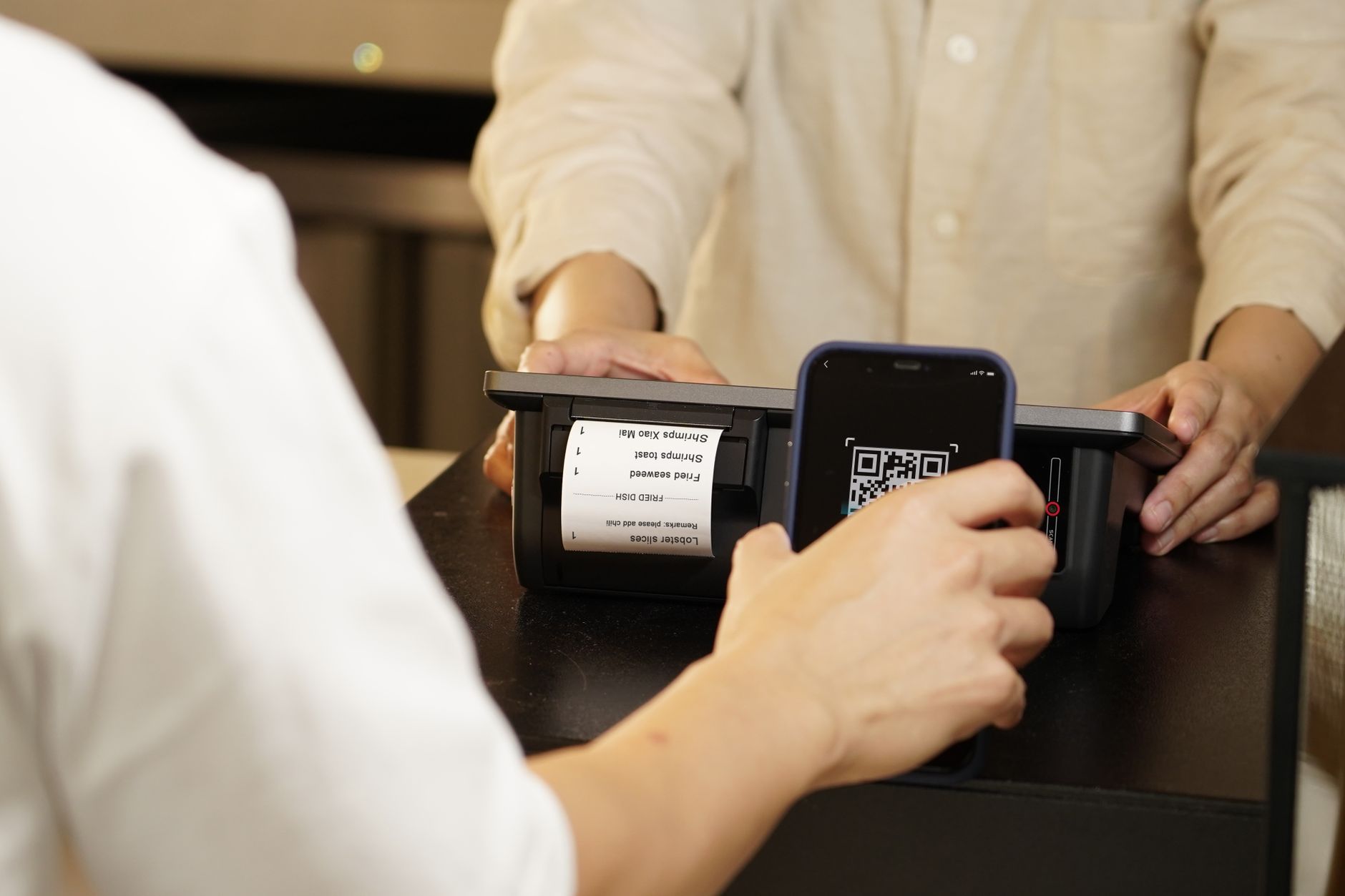
Photo by iMin Technology on Pexels