Can You Run QR Code Ordering Alongside Normal Table Service?
TLDR: Yes. Most venues run QR ordering alongside traditional table service rather than replacing it outright. Guests who want to scan order digitally; guests who prefer to speak to someone are still helped by staff. Running both in parallel lifts the volume of orders staff can handle while keeping every guest comfortable.
The worry about alienating older or less tech-comfortable regulars is one of the most common reasons venue owners hesitate before adopting QR ordering. It is a reasonable concern, but the premise that switching to QR ordering means removing the option to order through staff is not how it works in practice.
Most venues adopt QR ordering as an additional channel, not a replacement. This article covers how the two modes work together and what venues do to make the transition smooth.
Is It All or Nothing With QR Code Ordering?
No. QR ordering works as an additional ordering channel, not a replacement for table service. Venues choose how much they lean into it, from offering it as an optional convenience alongside traditional service to making it the primary channel, with staff assist always available for anyone who needs it.
The technology does not force a choice. A staff member can still take a verbal order at any table. The QR code gives guests who prefer it a faster way to order without waiting to catch someone's attention. Both options coexist on the floor and guests self-select based on comfort.
How Do Venues Serve Guests Who Prefer Talking to Staff?
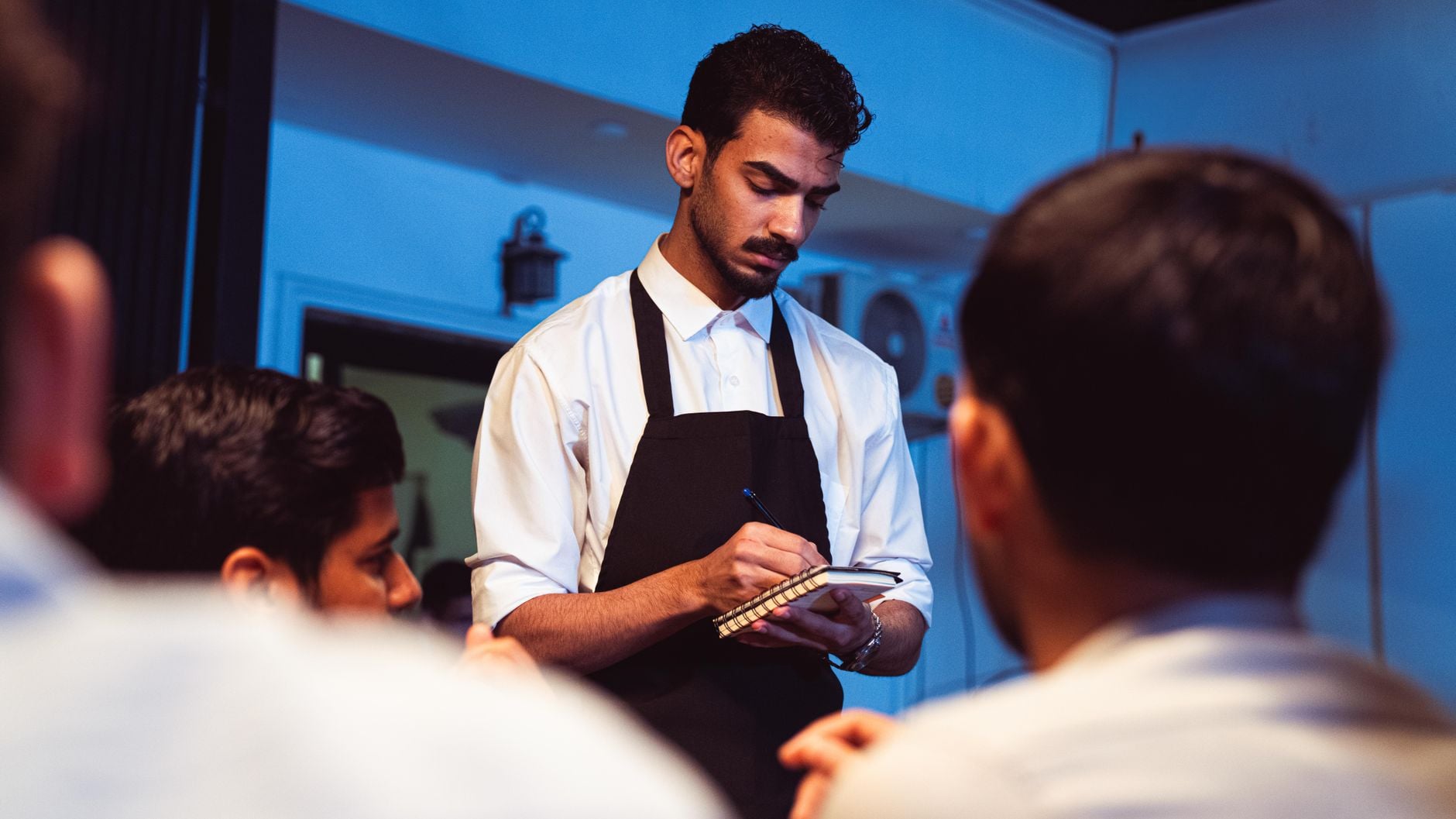
Guests who prefer staff service are still looked after in the usual way. Staff check on tables, help anyone who asks, and can place orders manually through the same system if a guest is not comfortable scanning.
The difference is that staff capacity frees up because many tables are placing their own orders. This means guests who actively want personal attention often get it faster than before QR ordering was introduced. Staff are less stretched taking orders from every table, so they have more time for guests who genuinely need them.
Will Older or Tech-Averse Regulars Be Put Off?
Not if it is introduced thoughtfully. The key is making scanning clearly optional rather than compulsory. Staff should be ready to help anyone who looks uncertain, take the order the usual way when asked, and frame QR ordering as a convenience rather than a replacement.
Most venues find that reluctant regulars adapt at their own pace. Once guests see how fast ordering is when they do not have to wait to flag someone down, most come around within a few visits. Guests who remain firmly in the staff-service camp are still looked after exactly as before, because that option has not been removed.
Can You Start Small Before Rolling Out Across the Whole Floor?
Yes, and many venues do exactly this. A common approach is to pilot QR ordering on a specific section or a handful of tables before expanding to the full floor. This lets staff and management get comfortable with how the system works, identify anything that needs adjusting, and build confidence before it becomes the default.
Starting small also reduces the risk of any single point of disruption. If something needs tweaking on the menu or the confirmation flow, catching it on four tables is easier than catching it on forty. See in-venue ordering and ordering products for how HungryHungry handles this.
Does Staff Have Less to Do When QR Ordering Is Running?
Staff do less repetitive order-taking and more of the service work that guests actually value: bringing food and drinks out promptly, checking in on tables, handling queries with proper attention. Many team members prefer working this way because the pressure of being the only mechanism through which a table can communicate is removed.
Service quality often improves as a result. Staff are not pulled in every direction simultaneously trying to take orders from tables across the floor while also delivering food and managing the pass. The floor runs more smoothly when order-taking is distributed rather than concentrated in a small team.
Frequently Asked Questions
Can QR ordering run alongside table service without replacing it?
Yes. QR ordering is an additional channel, not an all-or-nothing switch. Guests choose how they want to order and staff continue to assist anyone who prefers personal service. Most venues run both in parallel from day one.
Will QR ordering alienate older or tech-averse regulars?
Not if it is introduced thoughtfully. Staff can continue to take orders the traditional way for any guest who prefers it. Framing QR ordering as an option rather than a requirement, and having staff available to help anyone who needs it, means most guests adapt at their own pace without feeling pushed out.
Do staff have less to do when QR ordering is running?
Staff have less repetitive order-taking to do, which frees them for service tasks that actually improve the guest experience. Check-ins, food delivery, and helping guests who need assistance all get more time when staff are not tied up at every table waiting for an order.
What happens if a guest cannot figure out the QR code?
Staff step in and help, either by assisting the guest to scan or by taking the order the usual way. The goal is that no guest ever has a worse experience because of QR ordering. If scanning is not working for someone, table service is still available exactly as before.
Can I start with just a few tables on QR ordering and expand from there?
Yes. Many venues pilot QR ordering on a specific section before rolling it out across the full floor. This lets staff and management build confidence with the system and makes it easier to catch anything that needs adjusting before a wider rollout.
Key Takeaways
Running QR ordering alongside table service is the standard approach, not the exception.
- QR ordering is an additional channel, not a replacement for traditional table service
- Guests choose how to order; staff remain available to assist anyone who prefers personal service
- Older or tech-averse regulars adapt well when QR ordering is framed as optional and staff assistance is still available
- Staff capacity frees up for the service work guests value most: check-ins, delivery, and personal attention
- Starting with a section or a few tables is a common way to introduce it without disrupting the whole floor
- See in-venue ordering for more on how it works
Photo by khezez | خزاز on Pexels